How to Validate an App Idea Without Writing Code
A practical workflow for testing app demand with AI mockups, landing pages, and real user feedback—before you commit to building anything.
TL;DR: Validate an app idea by answering three questions in order, before writing any code: is the problem real, does your solution land, and will anyone pay? Use competitor reviews and customer interviews to confirm the problem, AI-generated mockups and a landing page to test the solution, and pre-orders or paid waitlists to test willingness to pay. Each step gates the next, and every conclusion should rest on evidence you could show someone else.
The most expensive way to learn that nobody wants your app is to build it first.
I've watched founders sink months into a polished product, ship it, and hear crickets. Not because the engineering was bad—usually it was fine—but because they answered "can we build this?" before they ever answered "does anyone actually want this?" Those are different questions, and you can answer the second one for far less time and money than the first.
This is a workflow for doing exactly that: pressure-testing an idea with mockups, a landing page, and conversations with real people, all before a single line of production code exists. It works whether you're a solo founder chasing a side project, a PM scoping a new feature, or a designer who wants to see a concept in pixels before committing to it.
A quick note on what "validation" is and isn't. It won't guarantee success—plenty of well-validated ideas still stumble on execution or timing. What it does is kill the obviously-doomed ideas cheaply and give you evidence (not vibes) to back the ones worth pursuing.
What you're actually trying to learn
Validation comes down to three questions, asked in order: is the problem real, does your solution land, and will anyone pay?
- Is the problem real? Does this genuinely frustrate people, or is it a mild inconvenience you've talked yourself into caring about?
- Does your solution land? A real problem doesn't mean your take on it resonates. Maybe people already have a workaround they're happy with.
- Will anyone pay? Interest is cheap. A signup costs an email address. A purchase costs money, and that gap is where a lot of ideas quietly die.
Answer them in sequence. There's no point perfecting pricing for a problem nobody has, and no point designing a beautiful solution to a problem you haven't confirmed exists. Each question gates the next.
The thing to hold yourself to: every answer needs evidence you could show someone else. "People seemed into it" is not evidence. Twelve out of fifteen interviewees describing the same painful workaround—that's evidence.
Question 1: Is the problem real?
The fastest way to answer this is to read one-star reviews of your competitors and talk to ten to fifteen people in your target group—before you build anything.
Read the one-star reviews of your competitors. This is the single highest-leverage hour you can spend. If apps already exist in your space, that's good news—it means there's a market. Now read what people hate about them. Sort by lowest rating and look for the same complaint showing up again and again. Rigid workflows, missing features, painful onboarding, surprise pricing. Recurring complaints are unmet needs with a paper trail.
If you find zero competitors, be suspicious rather than thrilled. Sometimes you've found a genuine gap. More often, others tried and there's no market there.
Talk to ten or fifteen people in your target group. Not to pitch—to listen. Ask how they handle the problem today. What's annoying about it? What have they cobbled together to cope? Resist the urge to describe your idea in the first few minutes; the moment you pitch, people get polite and stop telling you the truth. You learn the most when you're quiet.
One honest filter as you go: is this a painkiller or a vitamin? Painkillers solve something people actively hurt over and will pay to make stop. Vitamins are nice-to-haves that are pleasant but easy to skip. Vitamins are notoriously hard to sell. Be honest about which one you've got.
AI can speed up the grunt work here—summarizing a long thread of reviews, drafting interview questions, clustering feedback into themes—but it can't have the conversations for you. The signal is in what real people say, not in a generated summary of what they might say.
Question 2: Does your solution land?
Once you're confident the problem is real, put something visual in front of people—mockups get you far more honest reactions than a verbal description, because "show" beats "tell" every time.
1. Make the screens. This used to require design skills or a designer's calendar. Now you can describe the app in plain language—who it's for, the core flow, the feel you're going for—and generate polished UI screens to react to. This is exactly what TapUI is built for: you write what the app does and it produces mobile app screens you can show people. A prompt can be as simple as:
A habit-tracking app for busy parents. Onboarding that asks which habits to track, a daily home screen with today's habits and a streak counter, and a calm, friendly feel with rounded cards.
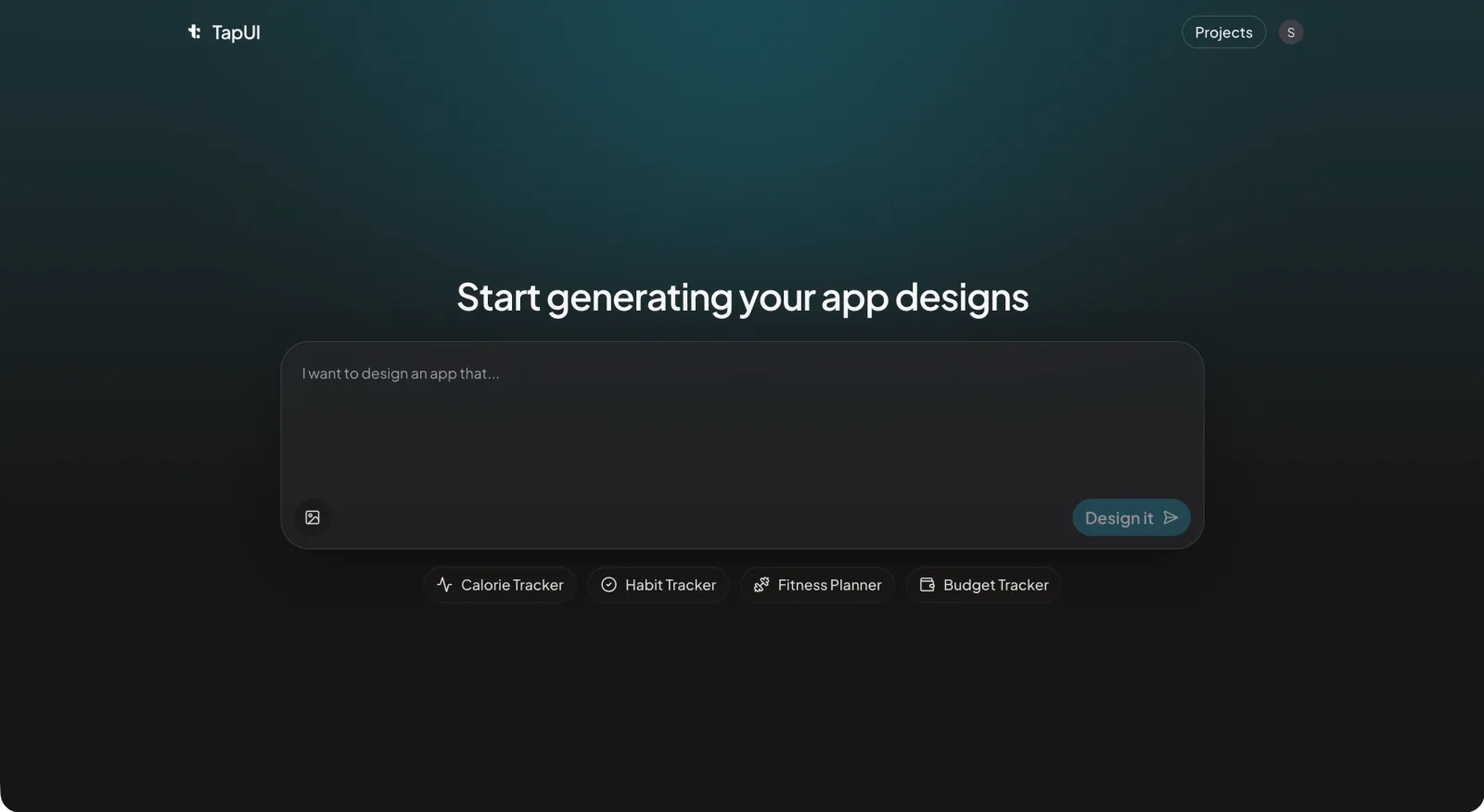 Describe the app in plain language and TapUI generates the screens to react to.
Generate a few directions rather than fixating on the first one; seeing variations sharpens your sense of what the concept actually wants to be. Build out the screens that matter most—usually onboarding and the one core thing the app does—so a stranger can follow the story.
 Refine the generated screens in the editor before you put them in front of people.
2. Put it in front of strangers. Recruit five to ten people from your target group—not friends or family, who will be kind and useless. Give them a realistic task and watch where they hesitate, backtrack, or squint. Don't explain. Don't defend the design. The confusion is the data. Five people will surface most of the obvious problems; you don't need a hundred.
3. Stand up a simple landing page. One clear description of the value, a few of your screens, and an email field for early access. Then send real, targeted traffic to it—posts in communities where your audience actually hangs out, or a small paid test. Watch how many visitors care enough to leave an email.
A word on conversion benchmarks: take them with salt. The "good" signup rate swings wildly by traffic source, audience, and how you've framed the offer. Cold ad traffic and a warm community link will convert completely differently, and comparing yourself to a generic industry average mostly tells you noise. More useful is the relative read—does messaging A beat messaging B? Did a clearer headline move the needle?—and the qualitative one: are the right people signing up, and do their reasons match your thesis?
Then iterate. Fix the screens where people stumbled. Rewrite the pitch that confused landing-page visitors. Run it again. Validation is a loop, not a checkbox.
Question 3: Will anyone actually pay?
Interest and willingness to pay are not the same thing—and the gap between them is where most pre-launch assumptions collapse. You have to test for the money specifically, not infer it from signups.
Ask for a commitment that costs something. A pre-order, a paid waitlist, a small deposit toward early access. The mechanism matters less than the principle: you want to see how many interested people convert into people who'll part with money. The drop-off from "sure, email me" to "here's my card" is the realest number you'll get pre-launch.
Have direct pricing conversations. Ask serious prospects what they pay today for whatever they currently use, and where a price would start to feel too expensive or suspiciously cheap. You're not looking for a precise number so much as a sane range and a sense of how price-sensitive this group is.
And do the back-of-envelope math early. If reaching a customer costs more than that customer is worth to you, no amount of design polish fixes it. You don't need a financial model—you need a rough sense of whether the unit economics could ever work, while changing direction is still cheap.
Reading the results honestly
Look for agreement across methods—when the interviews, the landing page, and the pre-orders all point the same way, you can trust the signal. Data doesn't interpret itself, and it's dangerously easy to read it the way you want to.
When they conflict—strong interview enthusiasm but nobody pre-orders—that contradiction is telling you something, and it's usually that people like the idea more than they want the product.
Some patterns are flashing red: people consistently shrugging at the problem, targeted traffic that won't convert no matter how you reframe it, a healthy interest list that produces no pre-orders, or strong incumbents who already do this well. Green lights look like the inverse—people leaning in during interviews, steady conversion, real pre-orders, and a clear reason you're different.
Write down your decision and why. The metrics, the quotes, the call you made. Future-you will want to know what past-you was thinking, and if you ever raise money, that paper trail signals you make decisions on evidence.
The mistakes that quietly waste months
A few traps catch almost everyone:
- Pitching when you should be listening. You learn nothing while your mouth is moving. Ask open questions and let people describe their world in their words.
- Hunting for "yes" instead of the truth. It's easy to read ambiguous feedback as encouragement. Actively look for reasons your idea is wrong. Ask what would make someone not use it.
- Testing on friends and family. They love you and will lie to protect your feelings. Their kindness is the bias. Test with strangers.
- Stopping at the first good number. One strong metric isn't a green light. You're looking for a pattern, not a single happy data point.
- Validating forever. Analysis paralysis is just procrastination with a spreadsheet. Set your thresholds before you start, gather enough, then decide. Perfect certainty isn't on the menu.
That last one cuts both ways. The point of validation is to make a decision faster, not to defer it indefinitely.
Where AI helps—and where it doesn't
AI genuinely lowers the cost of this entire process. It can summarize a wall of competitor reviews, draft interview scripts, generate the app screens you put in front of people, and help cluster messy qualitative feedback into themes. Tools like TapUI mean you can go from a written description to mobile app UI screens fast enough to test a concept this week instead of next quarter, and the designs are yours to hand to your developers once the idea earns the build.
What AI can't do is the part that actually matters: having the conversations, sitting with someone while they fumble through your prototype, and being honest with yourself about what the results say. The tools make validation cheaper and faster. They don't make it optional.
From "validated" to "build it"
Clearing all three questions means you've earned the right to spend real money on engineering—not that the work is done.
Write down what you actually validated: which features people wanted, in what priority, and what success should look like. That document keeps scope honest later, when every new idea wants to sneak into v1. Then keep the feedback loop running as you build. Validation doesn't stop the day coding starts; the people who shaped the concept should keep shaping the product.
When to pivot, push on, or walk away
Validation hands you one of three answers:
Pivot when the problem checks out but your solution doesn't. People hurt, they just don't want your version. That's fixable—keep the validated problem, try a different approach or a different angle on the value.
Push on when everything passes but the numbers are modest. Real interest, just not overwhelming. Now it's a judgment call: is a smaller, viable business worth it to you? Sometimes yes—just go in clear-eyed about the likely ceiling.
Walk away when the problem itself doesn't hold up. No amount of beautiful UI manufactures demand that isn't there. Stopping here isn't failure—it's the entire point. You spent days finding out instead of months, and the next idea gets your time instead.
The hardest of the three is walking away, because sunk cost whispers that you've come too far to quit. You haven't. The evidence outranks your feelings about the evidence. If it says no, listen, and take the lessons to the next one.
The short version
Building an app is expensive and risky. Validation makes the risk cheap to investigate. Confirm the problem is real, put a real solution in front of real strangers, and find out whether anyone will pay—in that order, with evidence you could defend to someone else.
Most ideas won't survive this. That's the system working. The ones that do come out the other side with something better than confidence: proof.
If you want to put a concept in front of people this week, describe your app in TapUI and generate the screens to test it—before you write a line of code.
FAQ
How many people do I need to interview to validate an app idea?
Ten to fifteen target users for problem interviews, and five to ten for testing mockups. You're looking for repeated patterns, not statistical significance—five people will surface most obvious usability problems, and a dozen interviews will tell you whether a problem is real and recurring.
Can I validate an app idea without any design skills?
Yes. Describe the app in plain language and use an AI tool like TapUI to generate polished mobile UI screens you can show people. You react to and refine the screens rather than designing from scratch, so no design background is required.
What's the difference between interest and willingness to pay?
Interest is cheap—a signup costs an email. Willingness to pay costs money, and the gap between "sure, email me" and "here's my card" is the realest pre-launch signal you'll get. Test for payment directly with a pre-order, paid waitlist, or small deposit.
Does validation guarantee my app will succeed?
No. Validation kills obviously-doomed ideas cheaply and gives you evidence to back promising ones, but well-validated ideas can still stumble on execution or timing. The goal is to make a faster, evidence-based decision—not to eliminate all risk.
When should I walk away from an idea?
Walk away when the problem itself doesn't hold up—people shrug at it, targeted traffic won't convert, and interest never turns into pre-orders. No amount of polished UI manufactures demand that isn't there, and stopping early saves you months.
Related: Ship mobile UI faster with AI • Accessible app design guide • TapUI pricing guide